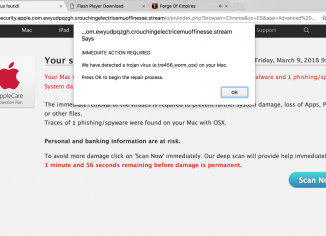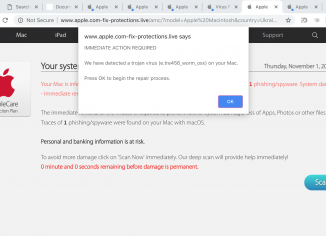
Apple.com-fix-protections.live pop-ups are solely the problem for Mac computers and their browsers – Google Chrome, Mozilla Firefox and Safari. Apple.com-fix-protections.live pop-ups are scary because they tend to quote e.tre456_worm_osx trojan virus, which is surely a fake alert in order to scare users into downloading and installing potentially unwanted software. You may continue reading this guide and you will find out what needs to be done in order to neutralize such pop-ups in your system.
-
-
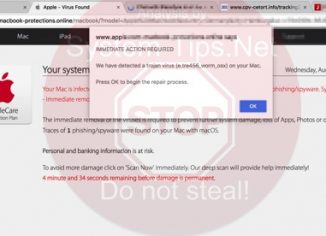
Apple.com-macbook-protections.online is a deceptive site that pops up in Mac OS X browsers, including Google Chrome, Mozilla Firefox and Safari. The site gives a fake alert for users, claiming availability of some e.tre456_worm_osx virus on their Macs. Obviously, such information is not true and ‘Apple – Virus Found’ is a typical online scam. Use this tutorial that will help you to fix your system in an automatic way using reliable anti-virus for Mac OS X.
-
E.tre456_worm_osx is a scary alert that may unexpectedly come up via your Mac browsers, including Google Chrome, Opera, Mozilla Firefox and Safari. It is the result of adware to be currently active in your Mac computer. Sadly, there are very many systems these days that are getting more and more vulnerable before various viruses that are popular on the web. In the light of such information, you’re strongly advised to perform a thorough scanning of your workstation using proven virus removal software that is able to detect and delete this kind of infection.