• Browser hijackers

    Remove Pick Dark Chrome extension (hijacker).

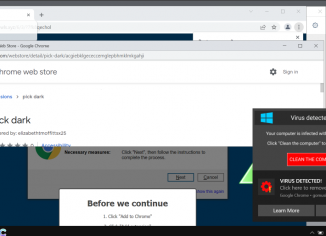
    Pick Dark is an unwanted extension for the Google Chrome browser. Currently, this extension is spread through fake and misleading pop-ups encouraging people to download and install some crucial browser updates. However, in reality, dealing with such extensions may hijack a lot of crucial browser settings and cause unwanted browser redirections to random websites.

  • Browser hijackers

    Fireseerch.com browser hijacker (removal guide).

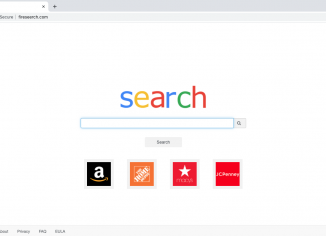
    Fireseerch.com is a website related to the problem of browser hijacking in Mac computers. The fireseerch.com redirection happens with Google Chrome, Mozilla Firefox, Safari and other Mac-related browsers. On the other hand, fireseerch.com can’t be classified as a virus or malware. It changes the default search engine settings of the above-mentioned browsers and redirects all the submitted search queries via itself. The results, however, may be delivered by Bing, Yahoo or some other third-party search provider not chosen by the Mac owner.

  • Browser hijackers

    Searchlee.com virus on Mac (Removal Guide).

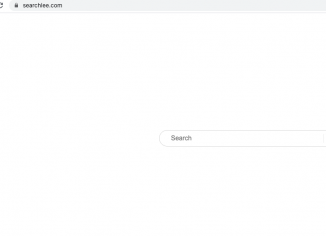
    Searchlee.com is a browser hijacker that specifically attacks Mac browsers today. This includes Safari, Google Chrome, Mozilla Firefox and other popular browsers. Searchlee.com actually changes a lot of important browser settings, such as: default home page; default search engine; new tab URL. Searchlee.com is often distributed through bundling with some cost-free applications. Often people end up installing this hijacker unintentionally, so, this is yet another valid reason to consider it as a potentially unwanted program worth immediate removal.

  • Browser hijackers

    Cybersearch.xyz hijacker on Mac (removal guide).

    Cybersearch.xyz is a nasty browser hijacker that affects the majority of popular browsers in Mac environment – Google Chrome, Mozilla Firefox and Safari. The hijacker works through a special extension that can be added to the browser. The extension is called Cyber Search. The developers of this service claim that by installing the extension you will be able to get the relevant search results and better browsing experience. In reality, this is a typical hijacker that tries to change you default search engine and the home page settings. Plus, it may periodically spy on your browsing habits and collect your…

  • Browser hijackers

    Hero Searcher (herosearcher.com) hijacker uninstall guide.

    Hero Searcher is a browser hijacker that changes the default home page to herosearcher.com. The developers of Hero Searcher claim that by installing the extension you will be able to get more relevant search results that would more effectively meet your expectations. On the other hand, the majority of browser hijackers, including herosearcher.com, may spy over your browsing habits permanently and track a lot of personal details. Finally, because of the hijacker enabled, you may also see a lot of unwanted ads that will essentially distract your attention from things that are really important. Intrusion of Hero Searcher often takes…

  • Browser hijackers

    Tab Cleanup (tabcleanup.com) hijacker removal instructions.

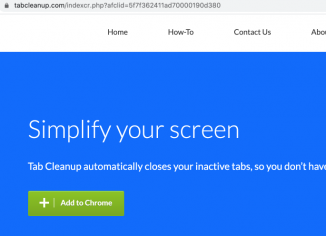
    Tab Cleanup is a malicious extension promoted by means of the tabcleanup.com pop-up ads. It targets Google Chrome, Mozilla Firefox and other popular browsers. The mission of tabcleanup.com is to force you into installing the Tab Cleanup extension that will change a lot of browser settings. Plus, because of the extension enabled, the default search engine settings may be changed without the user’s permission. We recommend you to carefully follow this guide that explains how to get rid of it effectively.

  • Browser hijackers

    Search-7.com redirect (removal guide).

    Search-7.com is a new nasty redirect that keeps attacking many popular browsers right now. It targets Google Chrome and Mozilla Firefox primarily. Its mission is to infect as many computers as possible and to eventually lead you to all kinds of dubious pages on the web. If you have found your browser to be stuck with the search-7.com pop-ups, follow this tutorial for more details on how to properly fix your device contaminated by adware.

  • Browser hijackers

    How to get rid of Serp App extension completely?

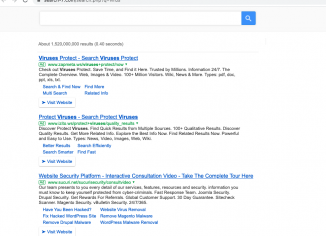
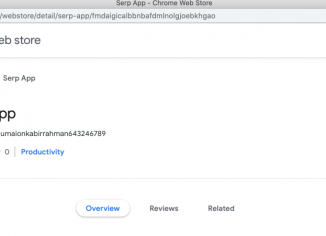
    The Serp App is an unwanted browser extension that was designed by adware distributors for the sole purpose of hijacking your default search engine. Once the extension is enabled, the default search provider gets changed from Google Search to some weird s3arch.page. The users are not able to obtain any relevant search data and, instead, see a lot of ads and third-party sites of an extremely bad reputation. Thus, we strongly advise that you get rid of the Serp App as soon as possible.

  • Browser hijackers

    Kalox App unwanted Chrome extension – how to remove?

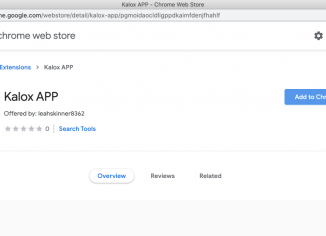
    Kalox App is an unwanted extension for Google Chrome browser. The mission of Kalox App is to hijack your browser with the unwanted search engine called s3arch.page. When Kalox App is in control of your browser, it will replace google.com with the unfamiliar search provider named s3arch.page. We definitely urge you to be very careful and not to tolerate this nasty browser hijacker in your device. The danger of Kalox App is in its interrelation with many third-party sites. As a result, the computer may become messed up and infected with many malicous programs. Thus, please follow this guide for…