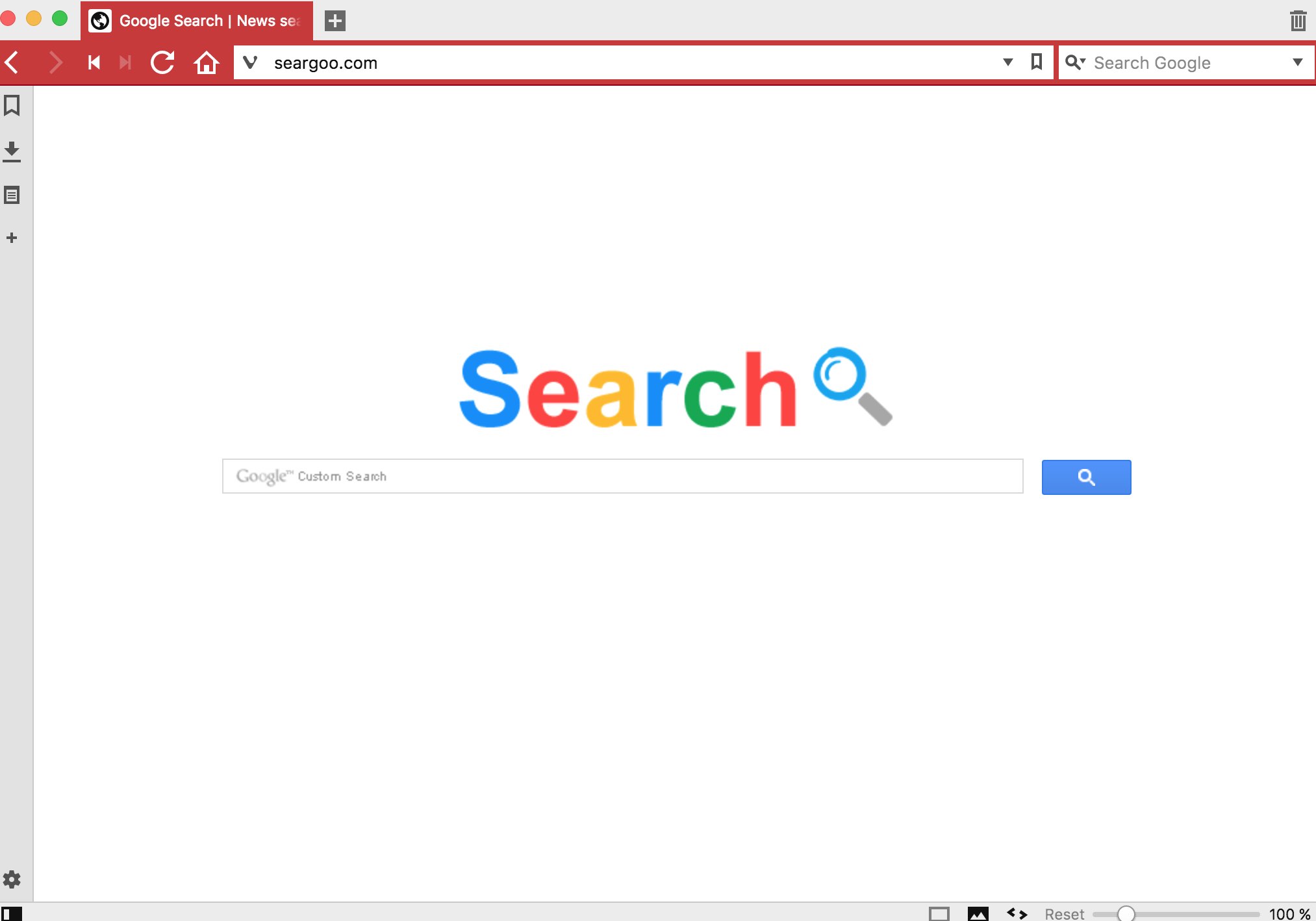
If you have encountered seargoo.com in the home page of your browser, then surely it is a sign for you to worry about these unwanted amendments introduced into it. This seargoo.com is a browser hijacker, also referred to as homepage modifier. The hijacker has in mind to implant itself into as many PCs as possible, this is why it is being actively spread in the world today. However, if you follow this guide, you will be able to get rid of seargoo.com from the homepage of your browser, and fix the problem of search engine or browser redirection through its…
-
-
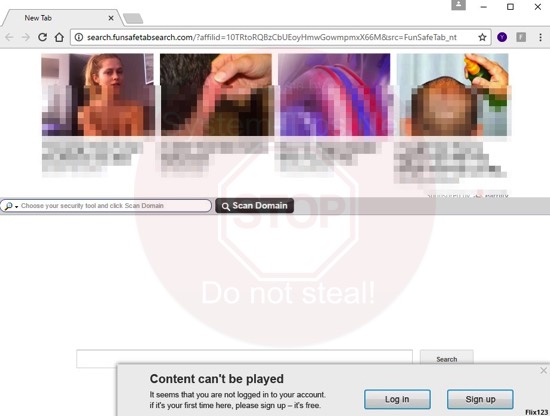
Search.funsafetabsearch.com is a browser hijacker currently attacking many browsers. In particular, this is mainly the problem for browsers like Google Chrome and Mozilla Firefox and, possibly, some other browsers as well. Following this guide will help you to get rid of search.funsafetabsearch.com virus from your system.
-
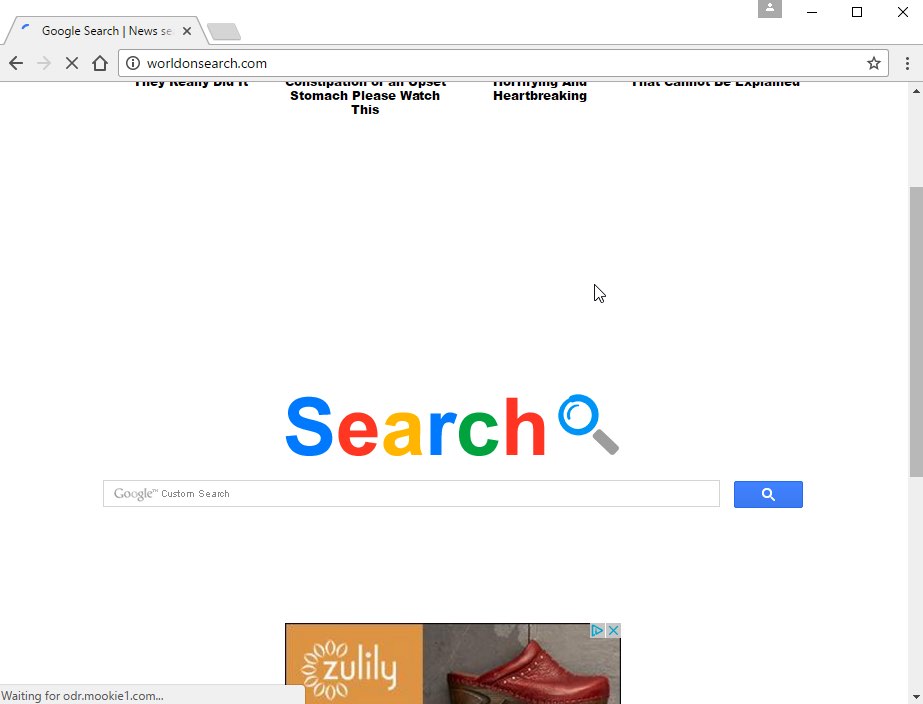
Worldonsearch.com is not a virus, however, this is the way some users prefer to speak about it. The see worldonsearch.com homepage in Google Chrome each time they open it. Likewise, opening new tab in this browser automatically opens worldonsearch.com page again and again. So, what can be done to get rid of it effectively?
-
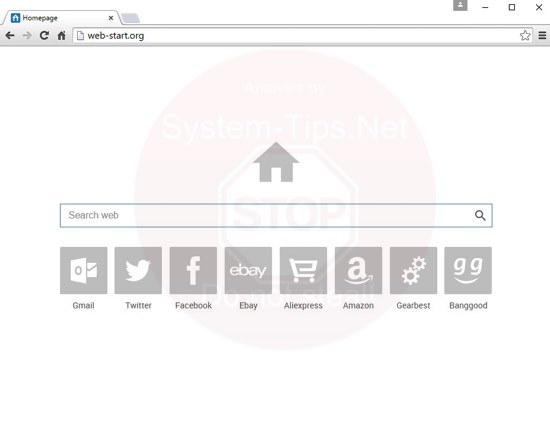
Following these guidelines will help you to remove web-start.org virus from your computer. Web-start.org is a special type of computer infection classified as a browser hijacker. As a result of PC infected with web-start.org, the homepage of your browser will be set to start with web-start.org, and this website will also be used by your browser as its default search engine.
-
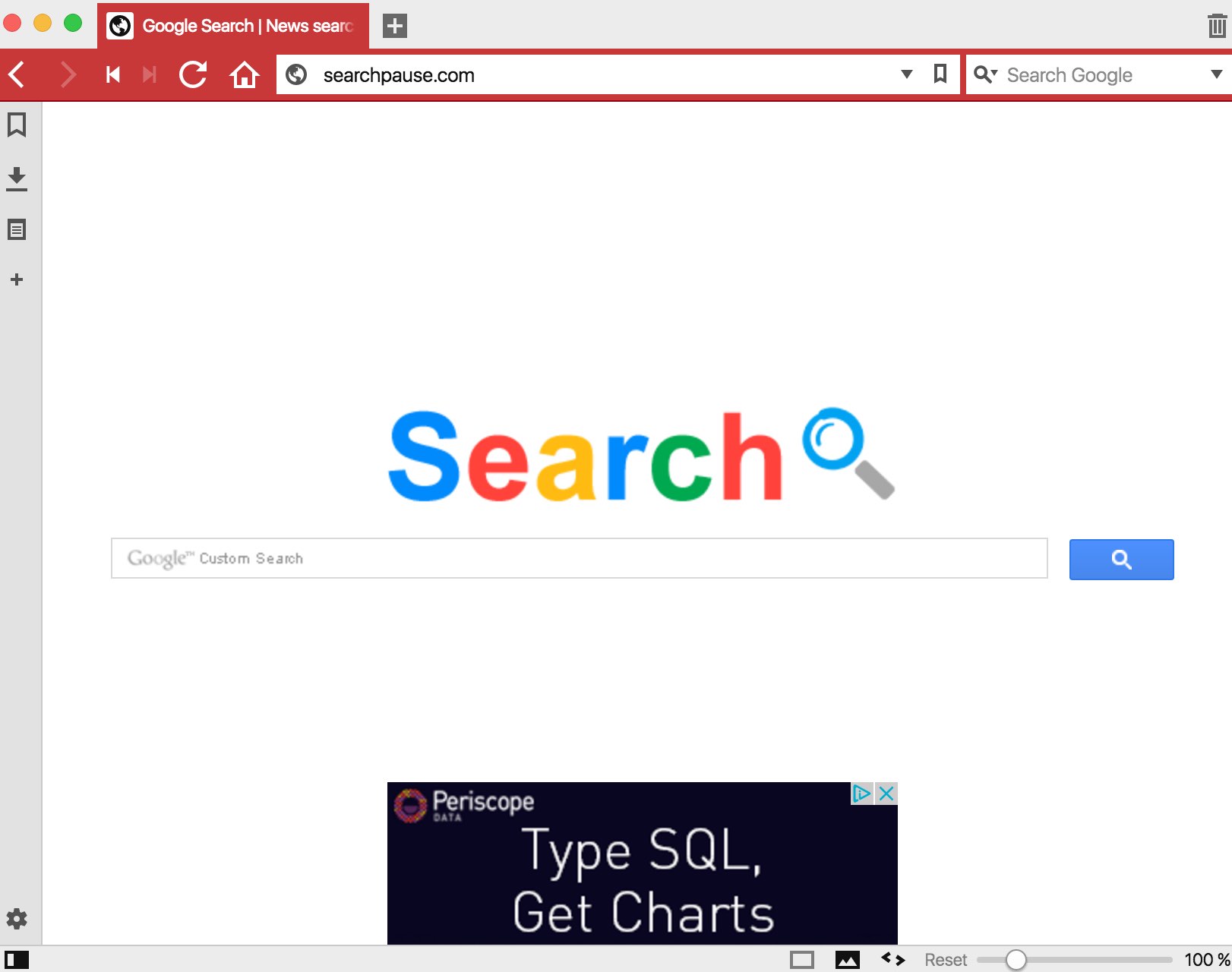
Searchpause.com is the virus that can easily penetrate into your computer. As a result, this virus attack will be in particular evident when you open your browser for online surfing. This is where you will find that searchpause.com website has attacked the home page of it.
-
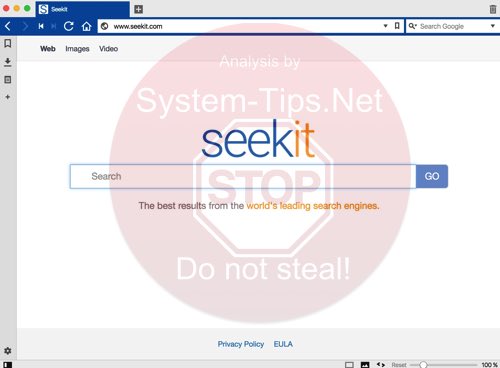
How do I remove Seekit from my browser? This question is being actively raised now on many PC security forums by people whose browsers have been hijacked by this potentially unwanted program. You may actually find a special program called Seekit in the list of legally installed applications and uninstall it regularly, however, this will not help you to get rid of seekit.com from being displayed in the home page of your browser. Following this guide will help you to completely delete Seekit virus from your PC.
-
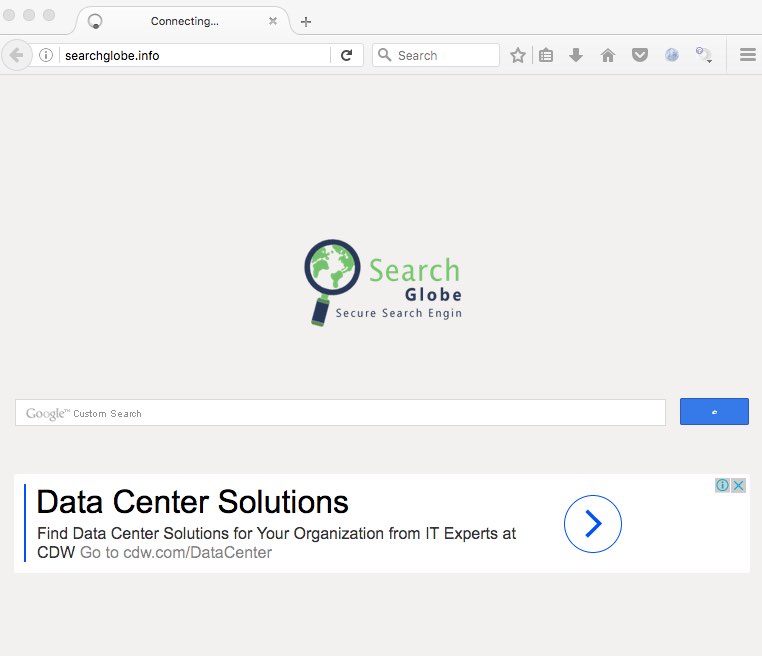
Searchglobe.info is an integral component of a browser hijacker called searchglobe.info. If you have your browser hijacked with it, then the chances are that you will see searchglobe.info in the home page of it. Also, all your search queries will be permanently redirected through searchglobe.info website. It will not furnish you with the relevant search results though. Following this tutorial will help you to get rid of this hijack from your system.
-
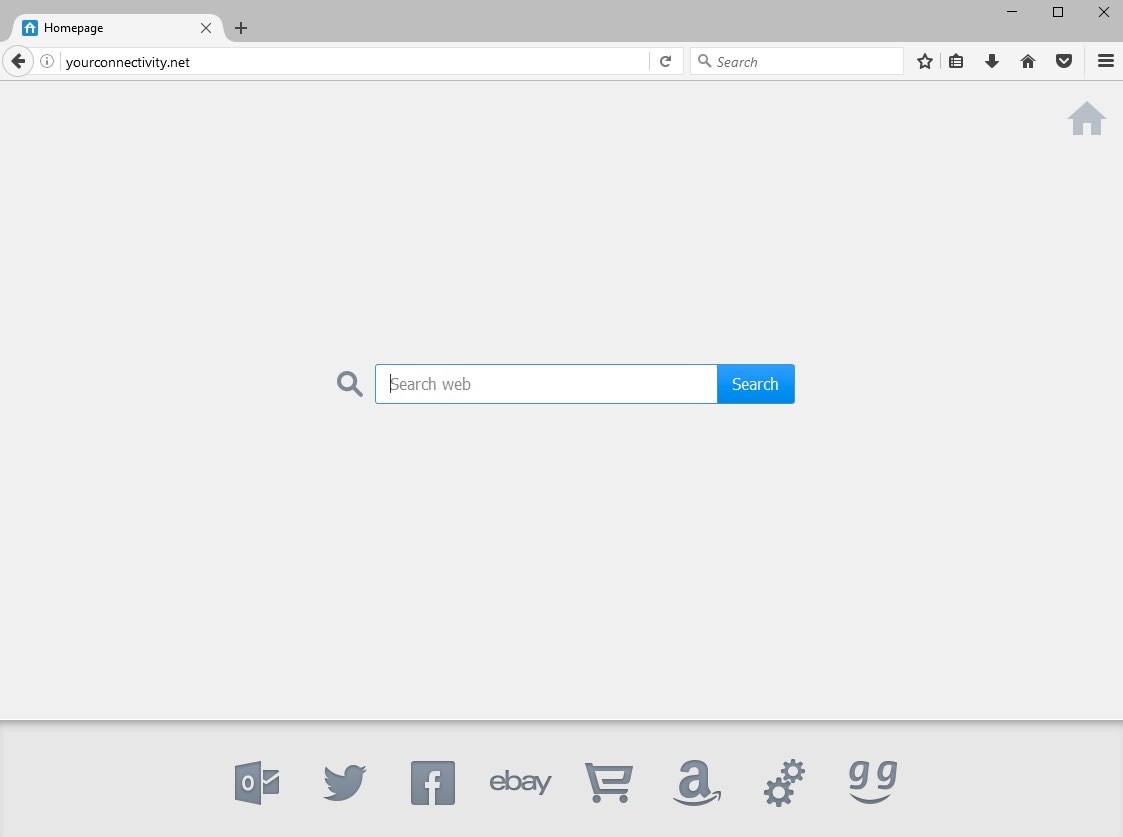
Yourconnectivity.net is a new browser hijacker currently attacking the majority of browsers, including Google Chrome, Mozilla Firefox and Internet Explorer. Once the attack is successful, you will see yourconnectivity.net displayed in the home page of all such hijacked browsers. Plus, opening every new search tab may automatically open yourconnectivity.net website again and again. In this guide we will help you to get rid of yourconnectivity.net from your computer.
-
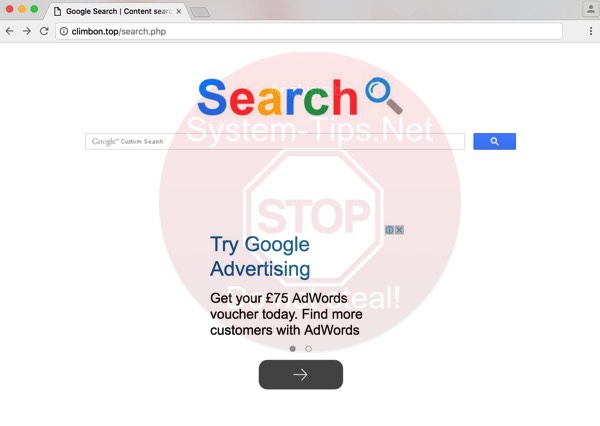
Climbon.top is a special form of computer malware classified as a browser hijacker. It comes bundled with many other free applications, which users may easily download online and install without paying close attention to the installation instructions of their setup wizards. When this installation of this potentially unwanted program takes place, you will see that this website will be set as the homepage of your browser. The search, however, will also be modified, and since the attack it will be forwarded through climbon.top. In this article we will explain to you how to remove this virus from your computer.
-
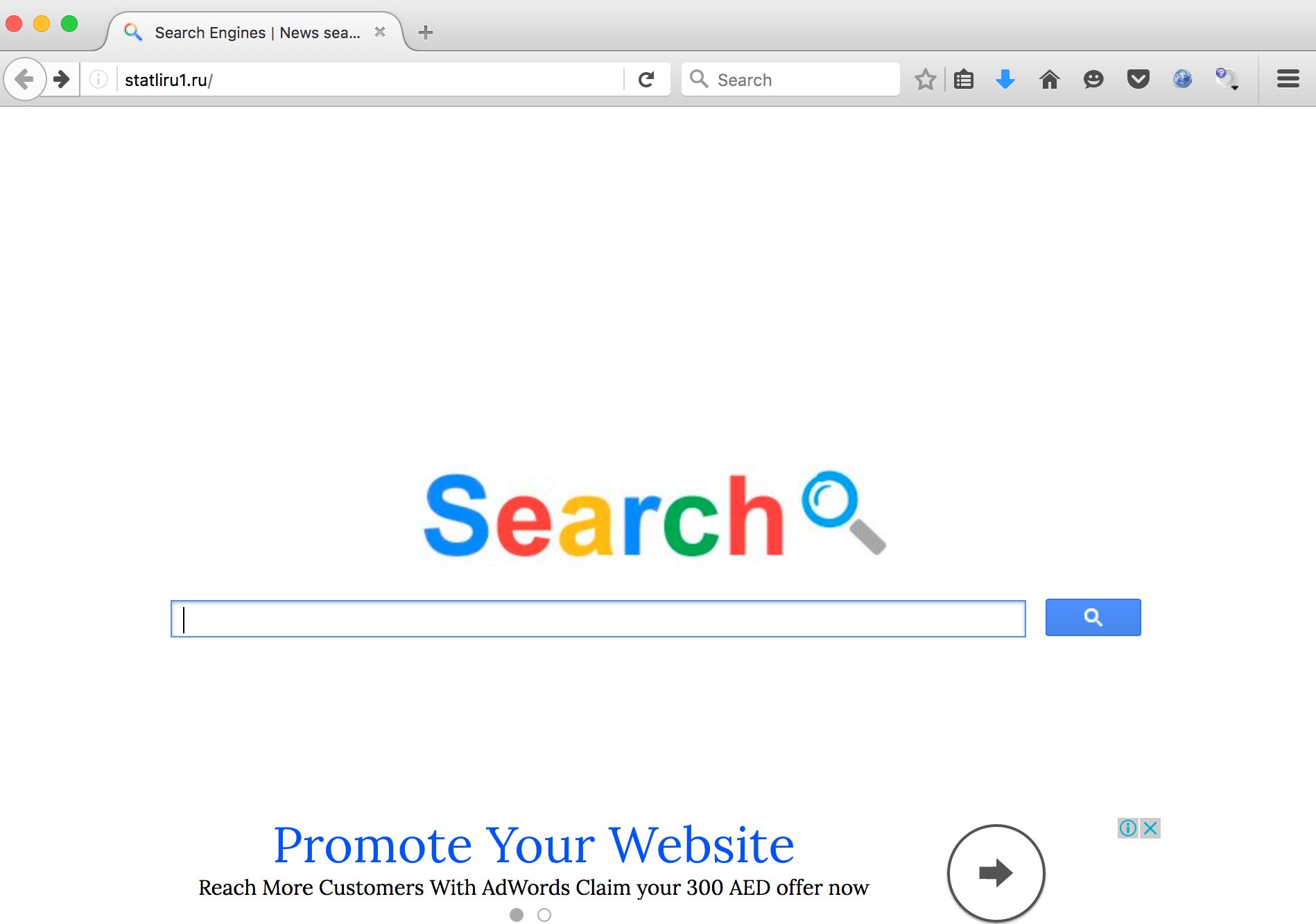
Is your browser infected with statliru1.ru virus? We’re really sorry about you having to face this nasty malware, which is a browser hijacker, as a part of your search. Definitely, this virus needs to be immediately deleted from your system. When you have it on your PC you will see statliru1.ru in each new search tab you open. So, this website will appear whenever you launch your browser to look for something important.