Reynolds ransomware removal [.locked file virus].
Reynolds is a ransomware that attacks Windows files and damages them by means of encryption. For this reason, Reynolds is often referred to as the file virus.
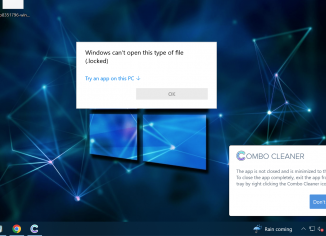
Reynolds is a ransomware that attacks Windows files and damages them by means of encryption. For this reason, Reynolds is often referred to as the file virus.

Nuis is a ransomware that attacks Windows files and damages them by means of encryption. For this reason, Nuis is often referred to as the file virus. This ransomware is from the DJVU family, by the way.
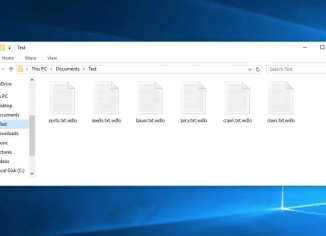
Wdlo stands for a new DJVU ransomware-type infection. The ransomware damages the data that the customers store on their hard drives. Upon the successful encryption, it adds the special .Wdlo extension to the files. The problem is that simply removing the extension does not decrypt the files and it is […]
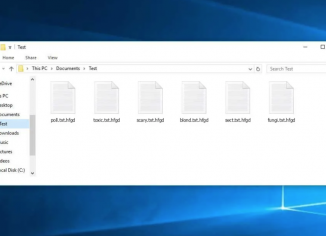
Hfgd is a ransomware that attacks Windows files and damages them by means of encryption. By the way, it is the part of the DJVU family. Upon the file encryption process being completed, it adds a special .hfgd extension to the data. For this reason, Hfgd is often referred to […]
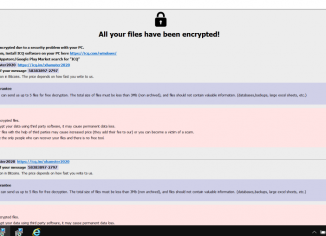
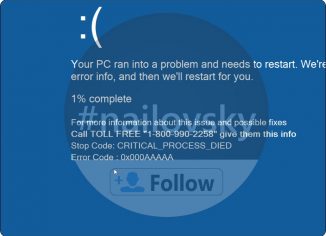
‘Error Code: 0x000AAAAA’ stands for a truly unexpected ransomware related to displaying scary notifications in many computers today. The fact that such ransomware proves that the entire system is contaminated with malware already. To be more precise, the chances are that your computer has been recently attacked by one of […]
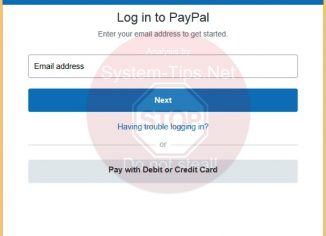
Don’t ever buy this fake Windows Defender Essentials worth $25 USD. This is a real scam, a ransomware currently circulating in the world wide web. This is a malicious program that is able to fully block your screen, without letting you use your Desktop. First of all, you will see […]
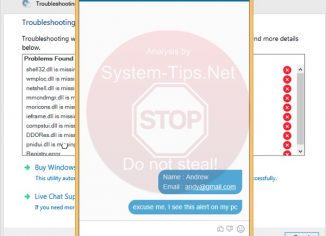
Windows Chat Support that you might see in your screen is obviously fake. Windows or Microsoft do not actually render any chat services. This particular chat you see on the image below is fake and not associated to Windows at all.
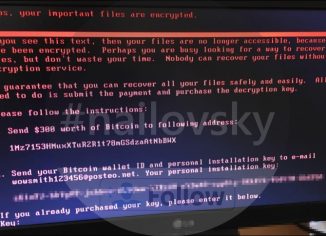
The Petya.A ransomware is one of the worst computer infections you will never want to face in your entire life. It is listed as the top file-encryption malware that penetrates into Windows PCs silently. The worst part of the story is that you can’t even prevent its intrusion! If you […]
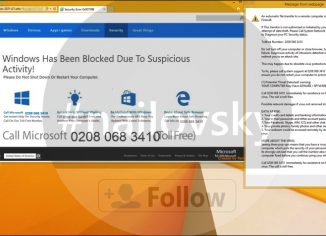
Error-2071127.info is a malicious website that may appear in your browser out of the blue and start displaying the wide range of scary alerts about your computer to be horribly infected. The goal of these pop-ups is to make you think that your computer is in danger so that later […]