• Browser hijackers

    Remove fake Sysinternals process Explorer (32 bit) virus

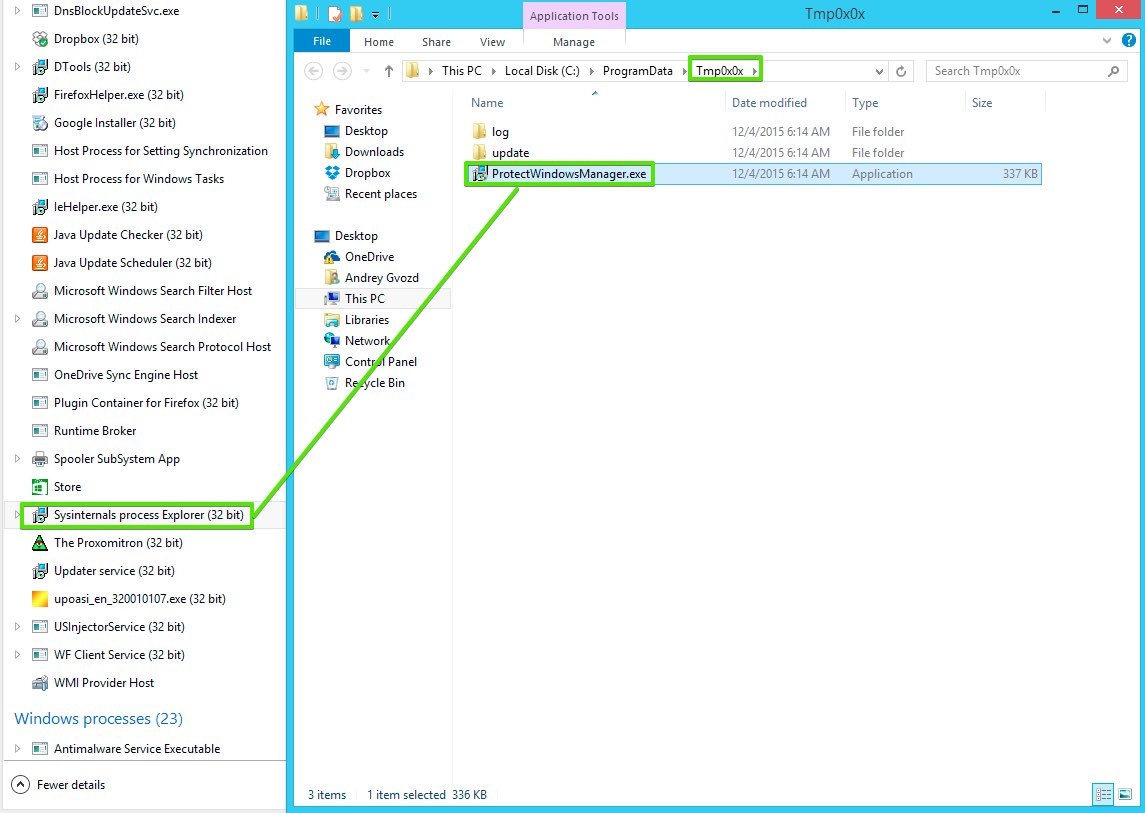
    Sysinternals process Explorer (32 bit) process has nothing to do with a legitimate program called Sysinternals Process Explorer. Hackers have decided to name their malicious software using the name of a totally legitimate application. You may open Task Manager and see Sysinternals process Explorer (32 bit) as running. Right-click on it and choose the option to open file location. You will be brought to a folder Tmp0x0x and will notice that this process is directly linked to ProtectWindowsManager.exe application, which is very malicious.

  • Browser hijackers

    Remove Yoursearching hijacker (browser infection)

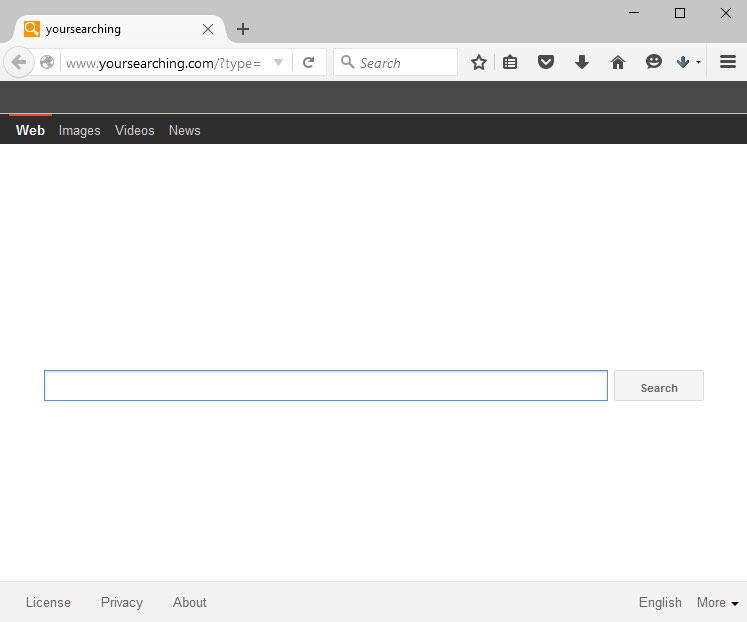
    Yoursearching stands for a new browser hijacker designed by Chinese hackers specifically to attack Internet Explorer, Google Chrome, Opera, Mozilla Firefox and even Microsoft Edge. After its intrusion the hijacker changes the home page of specific browser into yoursearching.com. With Mozilla Firefox, Fast Start extension is added as well. Plus, the hijacker also invites its ‘friends’ with really bad reputation. We specifically mean programs like ihpmServer.exe, WMiniPro.exe and SSFK.exe service.

  • Browser hijackers - Potentially unwanted programs

    Ray you (32 bit) virus process removal tool

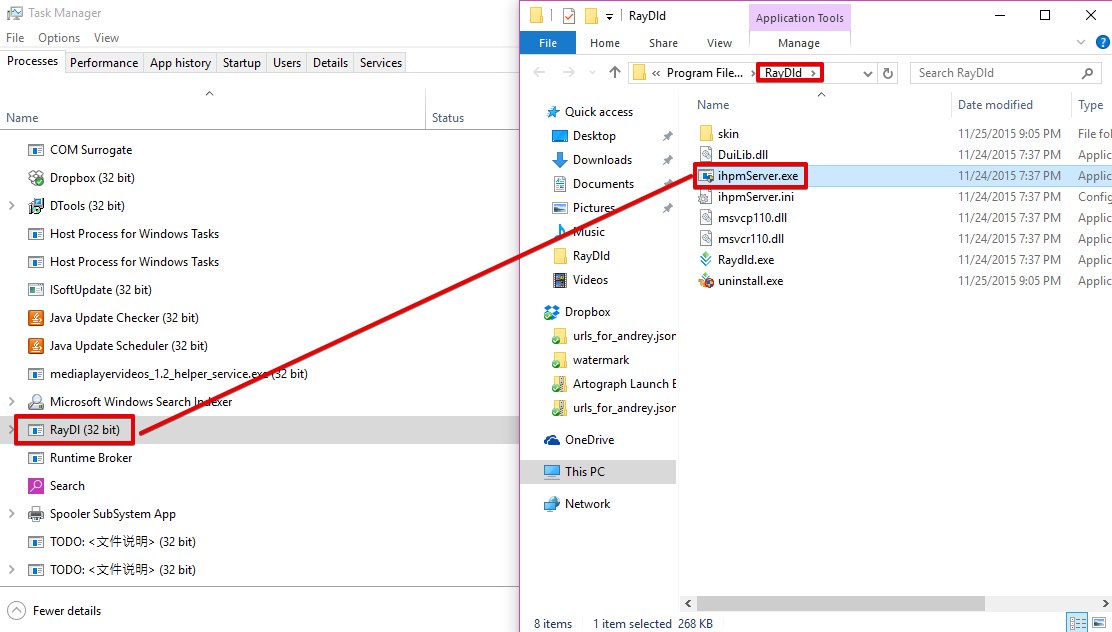
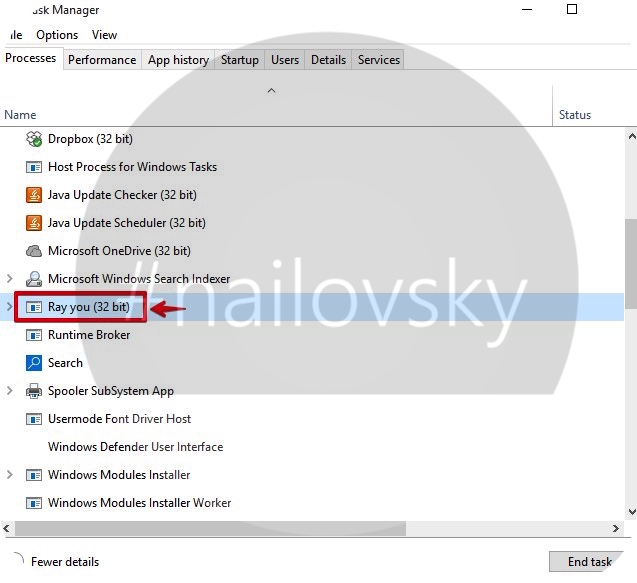
    Ray you (32 bit) process in the Task Manager is related to ihpmServer.exe potentially unwanted program. When you right-click on Ray you (32 bit) and select the option “Open file location”, you will be brought directly to the RayDld folder. This is the exact place where ihpmSever.exe is stored. There will be some other programs and *.dll files there, such as DuLib.dll, Raydld.exe, etc.

  • Browser hijackers

    Istartpageing virus removal tool

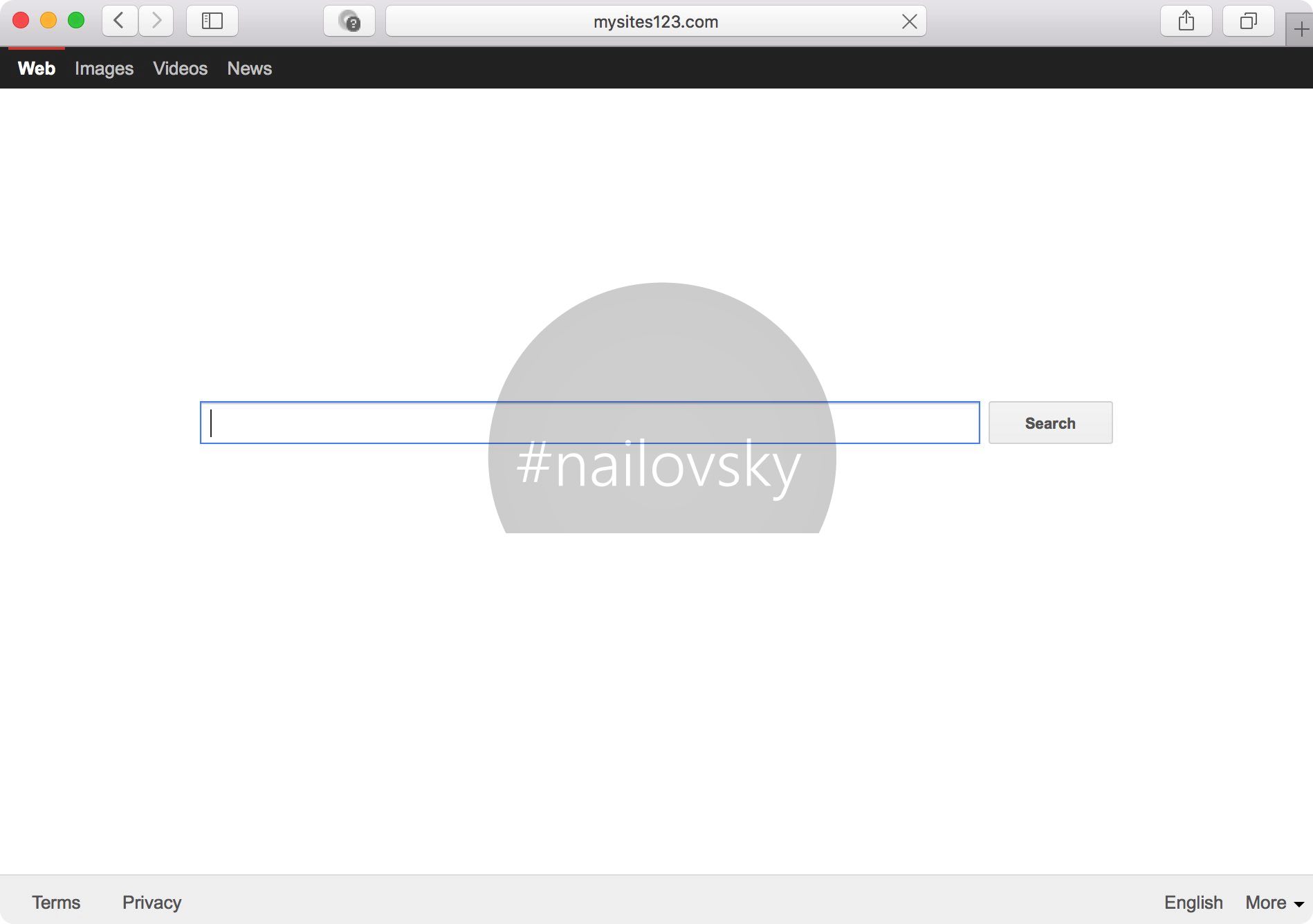
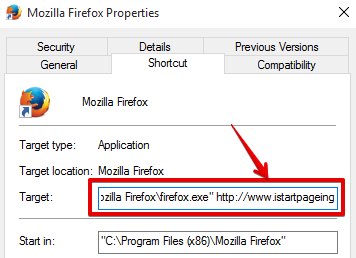
    Istartpageing is a nasty browser hijacker changing the home page of your browser into istartpageing.com. To be more precise, the home page will look like this istartpageing.com/?type=sc&ts, followed by the random set of digits. It is interesting that the hijacker was first released by its Chinese developers several months ago, even though it has only recently begun to attack computers actively.

  • Browser hijackers

    Remove YesSearches hijacker (shortcutboost.exe)

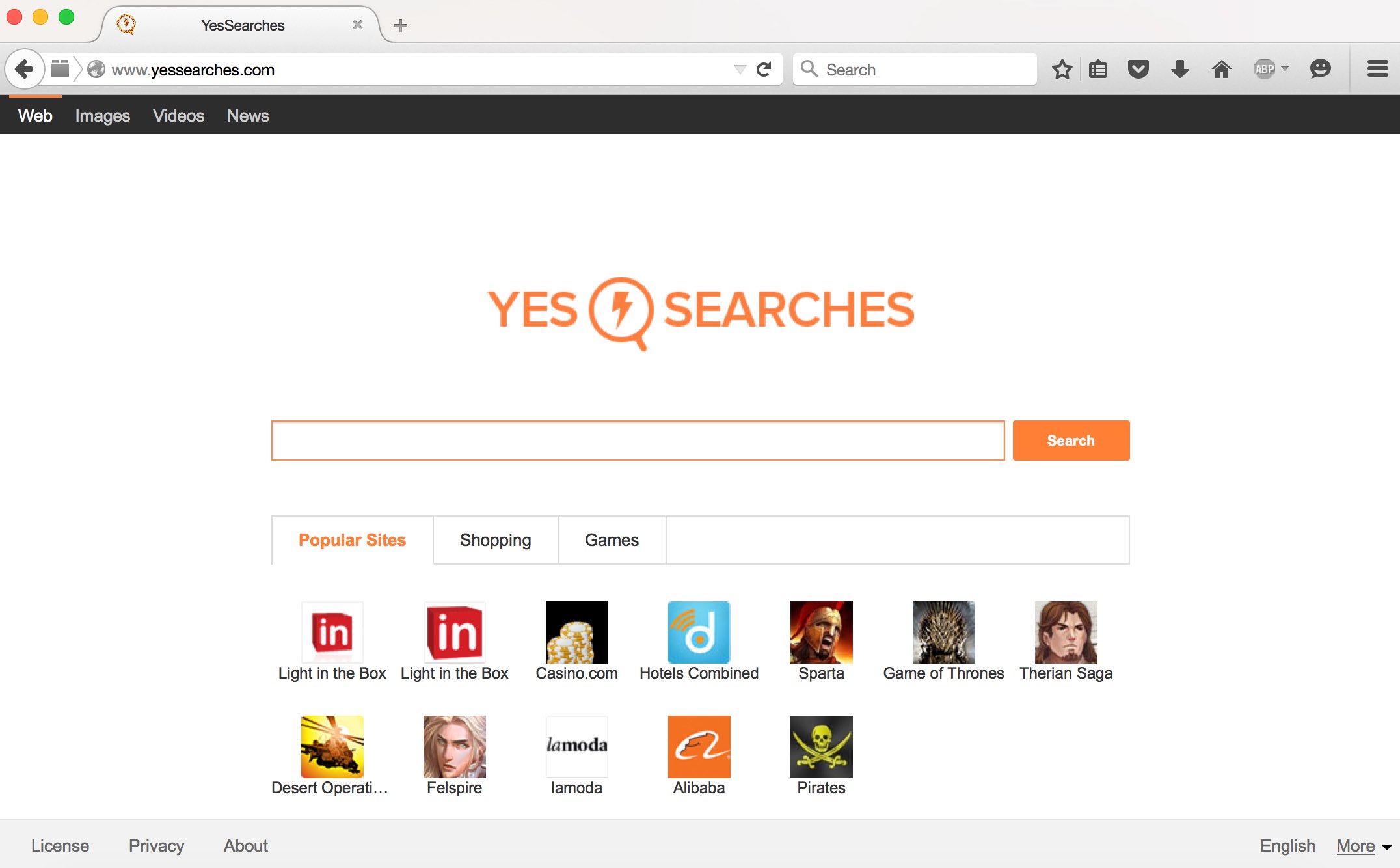
    YesSearches is a nasty browser hijacker, which acts in a little bit different way compared to Omniboxes or Tohotweb. Altogether, they were developed in China. But YesSearches uses another mechanism to hijack browsers. It uses shortcutboost.exe program, which runs as a standalone process. It changes the Desktop and quick launch items of all available browsers to be launched through shortcutboost.exe, which is located in a special folder named yessearchesbnd.

  • Browser hijackers

    Yoursearchresults.biz hijacker. How to delete?

    Yoursearchresults.biz is a browser hijacker targeting all widely used browsers today. The attack of it is directed at changing the home page of browsers and modifying their default search engine. When users start looking for the information through the search bar in their browser, the search queries will be redirected through yoursearchresults.biz. But the problem is that the search results will not be relevant to initial search queries.

  • Browser hijackers

    Fix trovi.com/course/?hsimp=yhse-001 redirection

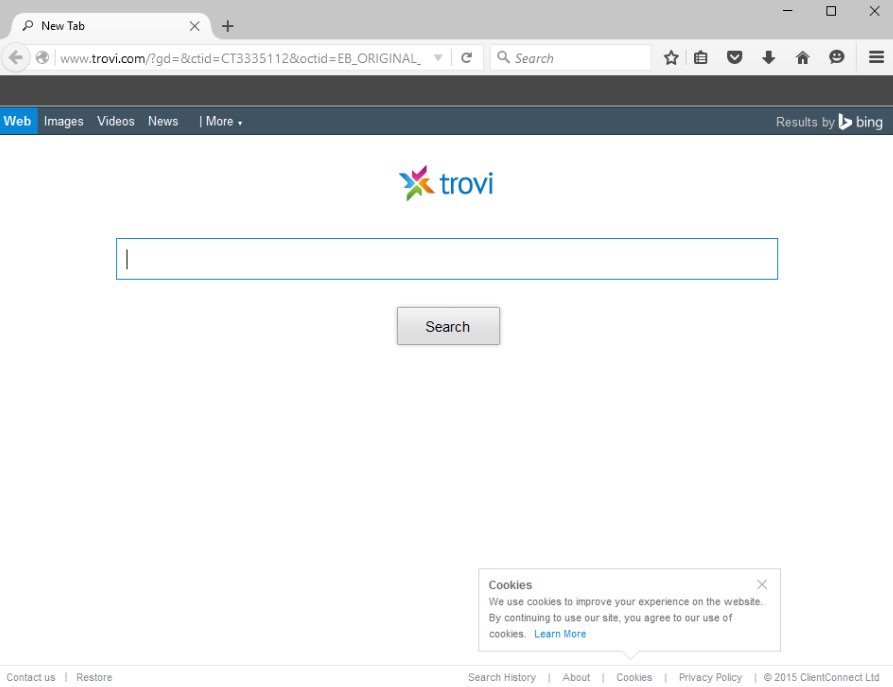
    Trovi.com/course/?hsimp=yhse-001 redirection problem occurs in your browser when it is infected by Trovi hijacker. This infection is actively spread in the Internet today through close integration with other free software. Once installed, the hijacker will change the home page of your browser into trovi.com. When you make certain queries through it, you will be redirected through trovi.com/course/?hsimp=yhse-001.